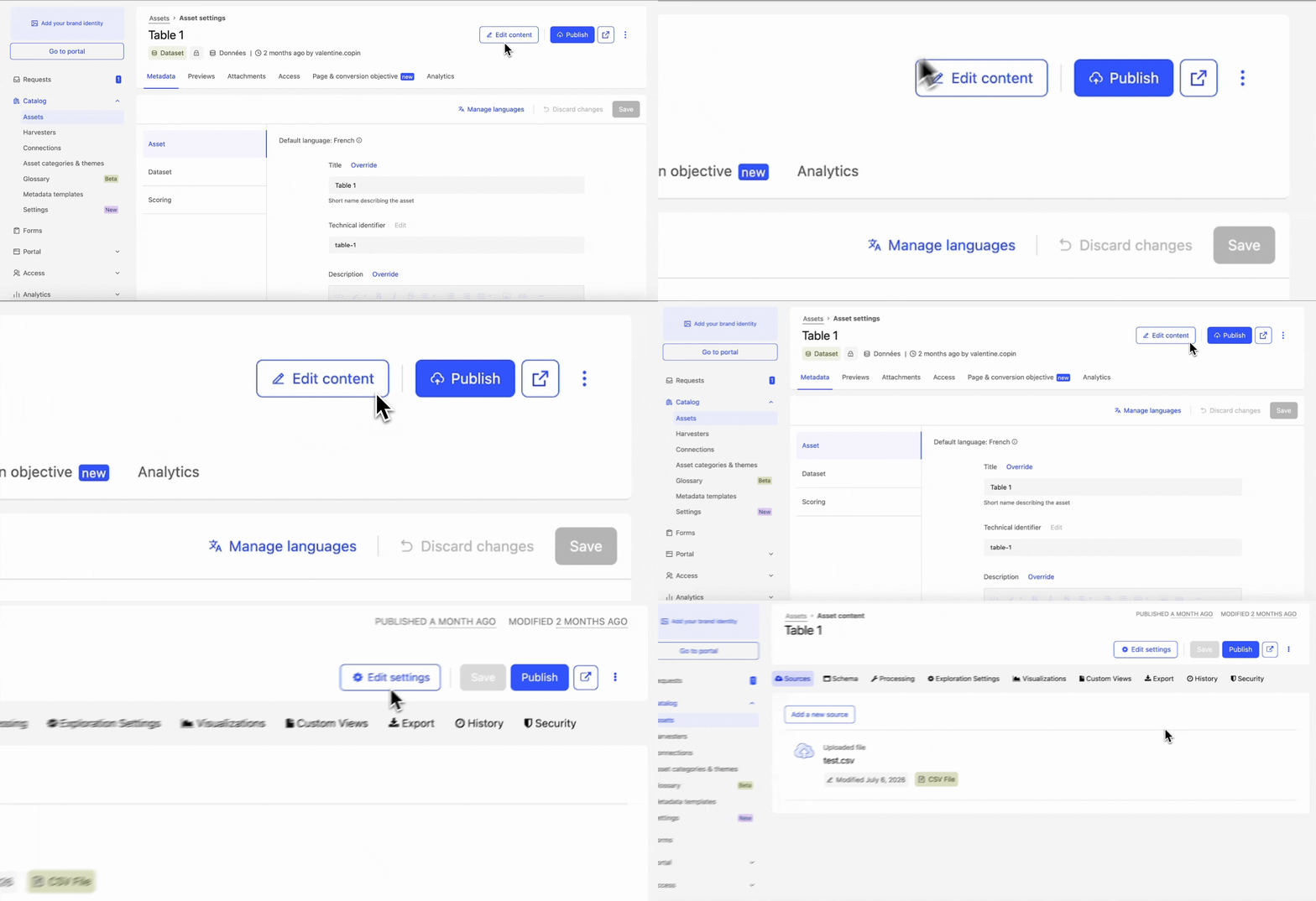


Interfaces are evolving to simplify the management of your data assets, with more intuitive and faster access to different actions (fewer clicks).
👉 These improvements are visible in two places in your back office:
1. From the catalogue list: content editing actions (processors, schema…) and data asset settings (product page, metadata, access, conversion…) are now directly accessible from each asset, in one click.
2. From a data asset's product page: find these same actions directly within the page to easily switch between content editing and settings, without going back to the catalogue list or leaving the current page.