



Hi everyone! 👋
Following a client's activation of the new experience, we encountered a specific behavior regarding custom views that were migrated into code editor pages. If you are managing catalog configurations, this might save you some troubleshooting time!
🔍 The behavior
-
In the visualization asset: the dataset used is correctly filled in and visible under the source.
-
In the dataset : surprise... the showcases tab remains completely empty. However, visualization assets linked to datasets via a custom call to action are supposed to be properly referenced there.
🛠️ The explanation
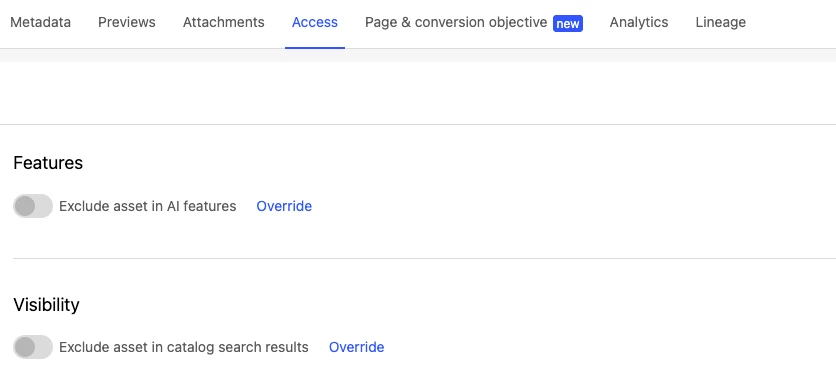
It all comes down to a visibility setting: an asset excluded from the catalog will not appear in usages, similar assets, or showcases.
Why does it work this way? The main purpose of the exclusion toggle is precisely to prevent the asset from being "discoverable." If an asset is hidden from the main catalog, the platform automatically blocks its visibility across public dataset interconnections to respect that privacy/discretion rule.
👉 Key takeaway: if your showcases aren't populating, the first thing you should check is whether your visualization asset was set to "exclude asset in catalog search results" (Access > Visibility).
Have any of you run into this specific scenario during your recent activations? Let’s discuss in the comments below! 👇