




To simplify your navigation — and your users’ — the “Images” and “Calendar” tabs are being retired in the new experience.
Are these views really being used?
- No one looks at them. Time to simplify! No action is required in the case.
- They’re essential for my users.
- Image view: in the new experience, datasets containing image files automatically display image thumbnails directly in the table.
- Calendar view: convert these views into an asset of code-editor page.
🖼️ Image views: Before vs After
No more separate tab — visuals are now available directly in the table view!
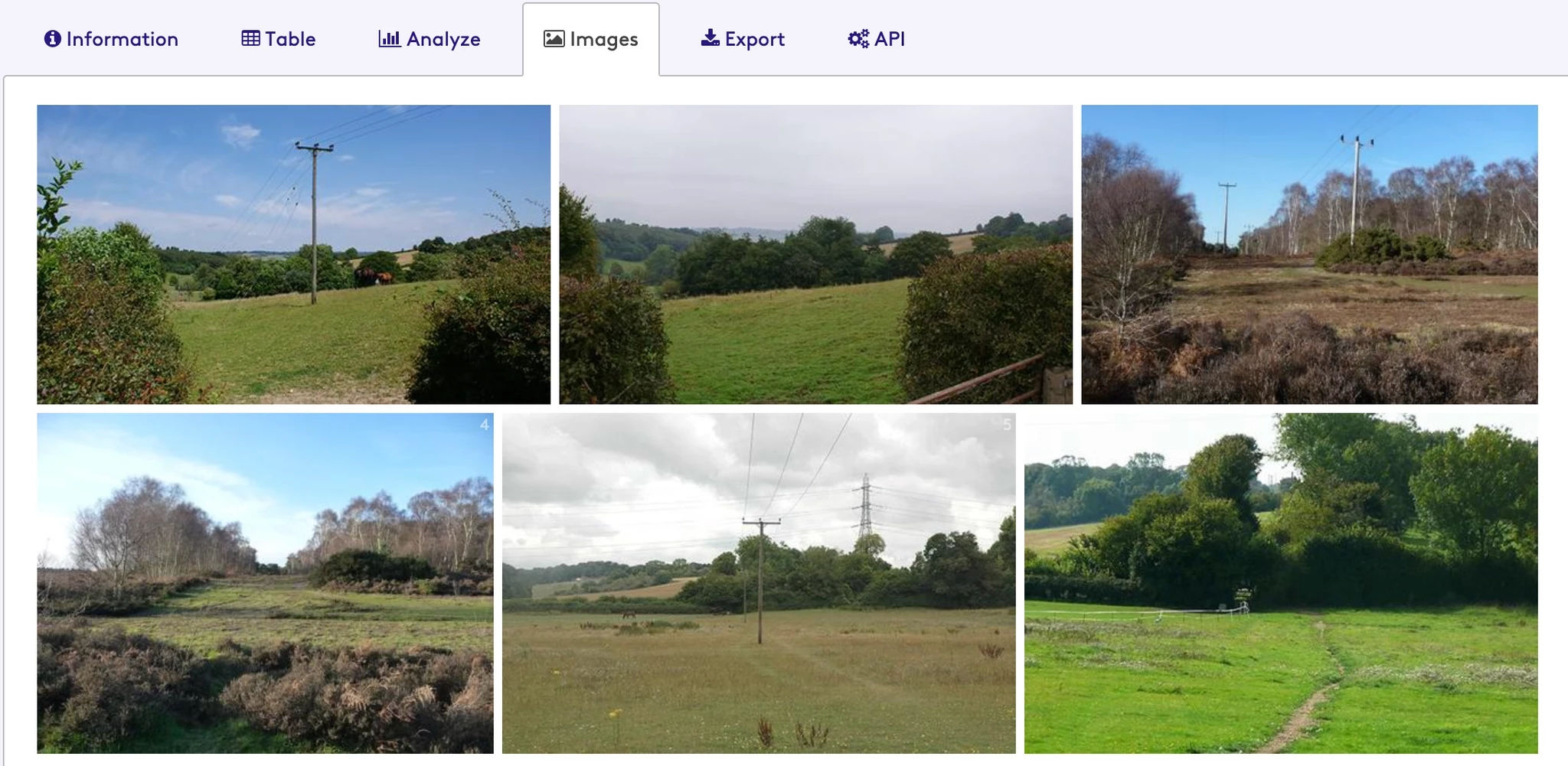
Before
Users had to switch to a separate Images tab to browse a gallery of images.
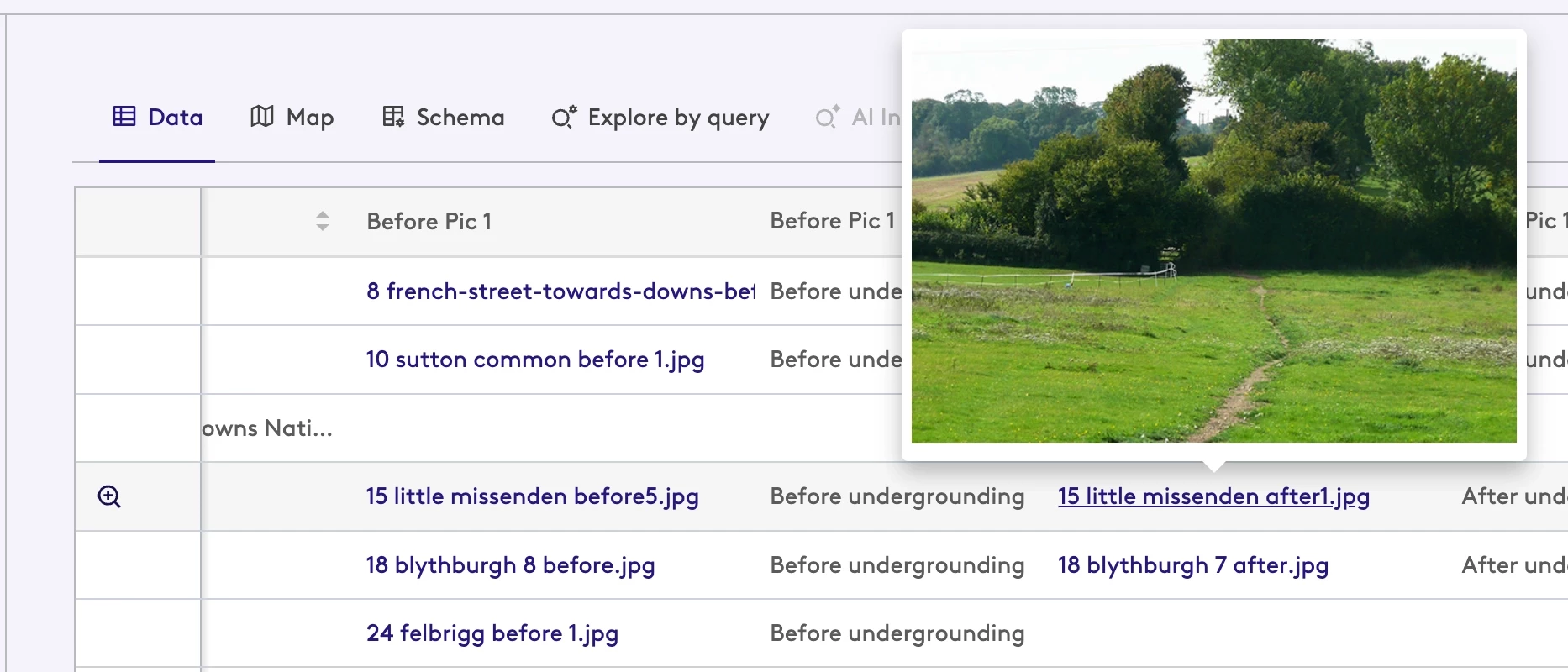
After
The new user experience makes these visuals easy to access without losing efficiency. Hover over the thumbnail to preview the image instantly, without leaving the current view.
🚀 Go further: create your “Custom View”
If the default experience doesn't fully meet your needs, you can create a custom interface using a code-editor
- Create an asset of code-editor page.
- Embed your components (calendars or custom photo galleries).
- Add a custom call-to-action on the related dataset to direct users to your page.
Any questions ? Let’s discuss in the comments! 👇